At its simplest, a prototype is an interactive model of a design that helps you understand not just what a product will look like, but how it’ll behave. It can be as simple as a clickable flow or as detailed as a functional prototype that closely resembles the finished experience. In my experience, I’ve seen how overlooking prototyping can lead to setbacks and confusion. A design that looked perfect in Figma ended up confusing developers, frustrating users, and costing us hours of rework.
On the flip side, when I started building even simple prototypes, everything changed. Developers weren’t guessing how interactions should behave, stakeholders could click through and understand the user journey, and my team saved itself from endless Slack threads and back-and-forth meetings.
Prototyping became less of a “nice to have” and more of a way to remove uncertainty before it became expensive. That doesn’t mean every screen needs a polished prototype. It means prototyping the interactions, flows, and assumptions that static designs alone can’t communicate clearly.
In this article, I’ll share what went wrong when I skipped that step, why prototyping became an essential part of my workflow, and what I’ve learned about using prototypes effectively for validation, collaboration, and handoff.
Editor’s note: This article was updated in August 2026 to reflect how prototyping has evolved. We expanded the guidance on choosing the right prototype fidelity, testing states and edge cases, using prototypes alongside developer handoff documentation, and deciding what’s actually worth prototyping. We also updated the discussion of AI-assisted tools like Figma Make and v0, which make functional prototypes easier to create but don’t replace the need to validate assumptions with users.
Static designs can show what an interface should look like. Prototypes help answer a different set of questions: What happens when someone clicks this? Where do they go next? How does the interface respond? And does the flow actually make sense when someone uses it?
Here’s why prototyping is so important in UX:
So with all its benefits, why does prototyping still get skipped?
Here are some common reasons:
AI-assisted tools are changing some of these constraints. Designers can now move from an idea or static design to an interactive or even functional prototype much faster than before. But faster prototyping doesn’t eliminate the need to decide what you’re trying to learn. The goal isn’t to build the most realistic prototype possible; it’s to build enough of the experience to answer the questions that matter.
Among the reasons designers tend to skip prototyping, mine came down to one thing: overconfidence in my static designs. I believed my mockups were crystal clear and that any developer could look at them and understand exactly how the interactions should play out.

Here’s what actually happened: the developer assumed a navigation pattern I hadn’t intended. Instead of the page sliding in smoothly from the left, they built it to swipe up from the bottom, and even the exit behavior was different from what I had envisioned:
But what I had envisioned was a left-to-right slide transition:

It was a small interaction detail, but it exposed a much bigger problem: the static designs showed what each screen should look like, but not enough about what should happen between them. The developer had to fill in that gap themselves.
And transitions are only one example. Static designs can leave important questions unanswered: What happens while something loads? What does the user see when an action fails? What happens when there’s no data? How does the interface behave on a smaller screen? What happens when the user takes an unexpected path?
When those behaviors aren’t explored or documented, developers and stakeholders have to make assumptions. That can lead to:
After learning the hard way, I stopped thinking of prototypes as something I had to create for every screen. Instead, I started using them to answer questions that static designs couldn’t.
Here are the principles I now carry into every project:
AI has changed what it takes to build a convincing prototype. Tools like Figma Make and v0 can turn prompts and existing designs into functional experiences with interactions and logic, making it possible to explore ideas that once would have required considerably more prototyping or development work.
That speed is useful, but it also changes what designers need to think about.
When creating a realistic prototype becomes easier, it’s tempting to jump straight to high fidelity. But a prototype that looks and behaves like a finished product can still be based on the wrong assumptions. AI can help generate the interface and its behavior; it can’t tell you whether you’re solving the right user problem.
That’s why I still start with the question I’m trying to answer. If I need to understand whether users can navigate a flow, a simple prototype may be enough. If I need to test complex interactions, realistic data, or product behavior, a functional AI-generated prototype might make more sense.
The goal isn’t to make every prototype as realistic as possible. It’s to choose the level of fidelity that helps you learn what you need to know before committing to the build.
Skipping prototyping once felt harmless. But I learned quickly that what seems obvious in a static design isn’t always obvious to the people building, reviewing, or using it.
Today, I use prototypes to make those uncertainties visible before they turn into expensive problems. They help me:
But I’ve also learned that not everything needs a polished, high-fidelity prototype. Sometimes a simple clickable flow is enough. Other times, a more functional prototype is necessary to understand how an experience will actually behave.
The goal isn’t to prototype everything. It’s to prototype what you need to learn.
That shift has made prototyping a much more valuable part of my design process — not as an extra deliverable, but as a way to reduce uncertainty before the team commits to building.
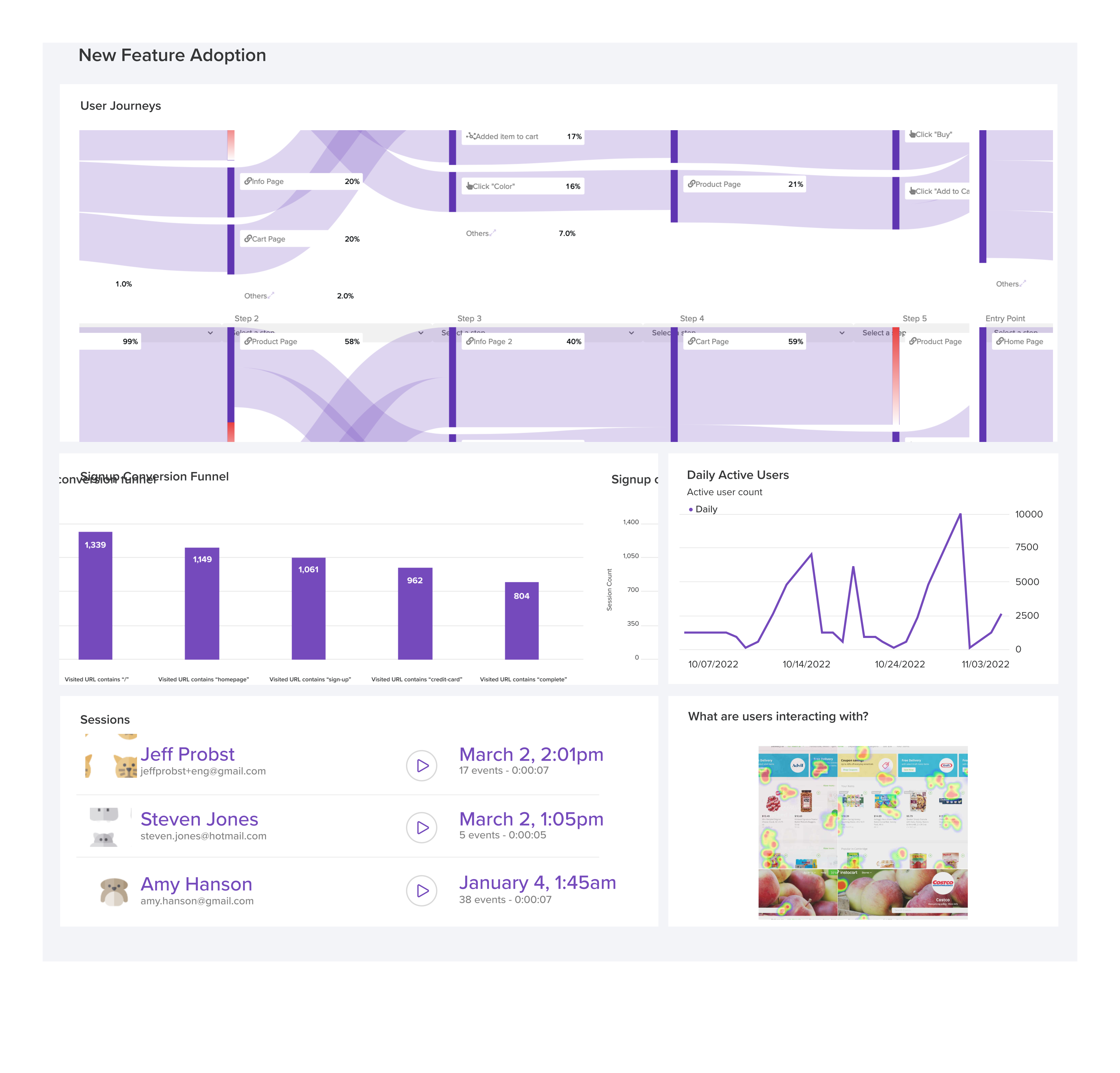
LogRocket's Galileo AI watches sessions and understands user feedback for you, automating the most time-intensive parts of your job and giving you more time to focus on great design.
See how design choices, interactions, and issues affect your users — get a demo of LogRocket today.

Explore how UX designers can use ADPList to find guidance and share experience, what to check before booking, and how its free and paid options compare with other mentorship platforms.

I redesigned a book library app with Apple’s HIG and AI. Revisit the lessons, plus a Liquid Glass follow-up covering navigation, materials, and accessibility checks.
AI can help draft UX copy, but fluent output is not proof that it works. Learn how to ground content in research, review it against product behavior, and measure the results.

What Airbnb, PayPal, Dropbox, and other products teach us about trust in UX: make reviews verifiable, explain policy limits, and test understanding alongside conversion.

 Learn more →