
Webflow can help designers take a responsive website from a layout to a published experience. The right integrations extend that workflow with forms, analytics, localization, scheduling, and automation. The wrong ones add recurring costs and dependencies without solving a clear user problem.

For a 2027 project, start with what Webflow already provides, then add tools for specific gaps. This guide compares practical options by job, explains what changed in the original recommendations, and shows what to test before handing a site to a client.
Editor’s note: Updated in October 2026 for designers planning their 2027 workflows. This revision updates Getform to Forminit, corrects pricing and product availability, replaces Optily as a recommendation for new projects, and adds migration guidance for retired Webflow Logic and User Accounts. Capabilities and prices reflect sources checked in October 2026, not unreleased 2027 features.
Key Takeaways
Learning Webflow can make the relationship between a visual design and a working website more concrete. You practice responsive layout, reusable components, CMS structure, and the HTML and CSS concepts behind them. Our guide to no-code website builders can help you decide whether it fits the project.
A browser-based prototype can reveal issues with responsive behavior, content length, and real form interactions. More realism does not automatically produce better research: choose the fidelity that answers your question. Use usability testing to check whether participants can complete a task, rather than treating a polished prototype as validation.
Webflow rewards an understanding of semantic structure, CSS layout, and reusable styles. Those skills help you discuss feasibility with developers and avoid designs that only work at one screen size.
You can independently build a portfolio, marketing site, or a focused experiment. A complex application may still need engineering support for authorization, business logic, or external services. Define that boundary before choosing a stack.
“Webflow plugins” is a useful search term, but the tools below have different installation models. Apps can work inside Webflow, external services can connect through APIs or scripts, and embeds place a third-party interface on a page. Drawer is an asset library, while Webflow’s image conversion is a native feature.
That distinction affects maintenance: installing an app is different from owning the external account, configuring a form endpoint, or keeping an embedded service available.
| Tool or option | Best use | Main consideration |
|---|---|---|
| Figma to Webflow | Transfer components, variables, and styles | Requires structured Figma layouts and a responsive QA pass |
| Forminit, formerly Getform.io | Handle custom form submissions | Submission limits and a separate form backend |
| Nocodelytics | Track interactions on a Webflow site | Pricing uses page views, not tracked events |
| Drawer.design | Source Lottie animation assets | Asset licensing, motion preferences, and loading cost |
| Webflow image conversion | Convert supported images to AVIF or WebP | Keep original files and inspect visual quality |
| Linguana | Add translated site experiences | Compare native localization and translation-credit costs |
| Calendly | Let visitors book research or client calls | Free-plan limits and the embedded booking experience |
| Make or Zapier | Connect multi-service workflows | Retries, usage limits, and failed-run monitoring |
| Memberstack or Outseta | Support membership workflows | Authentication, billing, and migration testing |
The official Figma to Webflow plugin and app sync layers, variables, and styles from Figma into Webflow. This is more useful than treating an entire mockup as a one-click website export.
Layers need auto layout to sync. Webflow recommends transferring smaller groups of components or sections for large pages. Upload custom fonts to Webflow first, and review class names, responsive behavior, and semantics after import. Responsive, state, and style variants are not currently supported by the integration. A successful transfer still needs a browser QA pass.
Forminit is a form backend for receiving submissions from your site’s forms. Getform.io became Forminit on January 14, 2026. The team says existing Getform endpoints continue to work, so the rebrand alone does not require migration. Avoid confusing this service with similarly named form products on other domains.
Use it when your custom form needs an external submission workflow. First compare Webflow’s native form handling against your requirements. Then test validation, spam controls, successful submissions, and understandable error messages. Our sign-up page examples offer useful ideas for reducing friction.
The Free plan lists one form and 100 submissions per month. Pro lists 5,000 monthly submissions and $190 billed yearly. Higher-tier features include webhooks and autoresponders. Compare the actual billing total and feature limits, rather than retaining the original article’s blanket $19 monthly claim.
Nocodelytics focuses on Webflow interaction tracking, including button and link clicks, search insights, and CMS-related activity. Use it to investigate a specific question, such as which call to action visitors use, rather than collecting metrics without a decision in mind.
Its pricing page lists a free allowance of 1,000 monthly page views and Premium at $29 per month for 100,000 monthly page views on monthly billing. These are page-view allowances across your sites, not the event allowances stated in the original article. Check over-limit behavior before relying on the free plan.
A click count does not explain motivation. Combine quantitative patterns with behavioral and attitudinal research, and review tracking configuration and data handling before launch.
Drawer provides animation packs, including free and paid options. It is an asset source rather than a universal Webflow integration. Choose an appropriate asset, check its license, and implement it using a compatible animation workflow.
Motion should explain a state or support a task. Avoid making a decorative loop the only signal for loading, success, or failure. Provide a reduced-motion alternative and measure the effect on page loading. Our guide to UI animation covers the design considerations.
Optily appeared in the original list, but its site now says it is no longer accepting new users and that credits remained active until July 30, 2026. It is no longer an appropriate starting recommendation for a new project.
Instead, check Webflow’s built-in image conversion tool, which converts supported JPEG and PNG assets to AVIF or WebP. Keep original files: you cannot convert the resulting file back to its original extension within Webflow. Inspect photographs, transparency, and text inside images after conversion, then check the published result. Pair compression with appropriately sized assets and sensible loading behavior, as discussed in our image optimization guide.
Linguana offers translated URLs, language-specific site experiences, and AI-assisted translation. Compare it with Webflow’s native localization before committing to another service. The right choice depends on content workflows, locale requirements, and ongoing maintenance.
The pricing page lists a free testing tier and Starter at $25 per month on monthly billing, with a lower advertised monthly equivalent for yearly billing. Included AI credits are a one-time grant, not a renewing monthly allowance. Account for translation volume as well as the subscription.
Have a fluent reviewer check important content. Test longer strings, navigation, forms, translated metadata, and the language switcher in the actual layout. Automated translation does not replace localization QA.
Calendly lets visitors book a time through a booking link or an embedded experience. For designers, that can simplify research recruitment or client consultations. Our guide to continuous discovery explains why a repeatable interview rhythm matters.
Calendly offers an ongoing Free plan, not just a trial. It includes one event type and one calendar connection. Standard adds capabilities such as unlimited event types; its pricing page lists $10 per seat per month billed yearly. Confirm the billing cycle before comparing costs.
Test the embed on mobile and with a keyboard. Provide a booking-link fallback, make time zones clear, and avoid requesting information you do not need to arrange the session.
Webflow retired Logic on June 27, 2025 and User Accounts on January 29, 2026. A 2027 stack should not depend on either feature. Webflow recommends Make and Zapier for automation, and Memberstack and Outseta for membership use cases.
Evaluate Make and Zapier against the exact services and actions your workflow needs. A connection existing in a directory does not guarantee that it supports every trigger, field, or update you require.
Before rebuilding a flow, document its trigger, field mappings, credentials owner, expected volume, and failure behavior. Test duplicate submissions, missing fields, retries, and service outages. Assign someone to monitor failures after launch. Compare usage allowances and execution costs on the current vendor plans rather than assuming automation is included in the Webflow subscription.
Use Webflow’s linked migration guidance to assess Memberstack and Outseta for your site’s needs. Map accounts, access rules, billing relationships, and password-reset behavior before moving users. Do not assume existing passwords or subscriptions will transfer unchanged.
A hidden page or interface element is not sufficient protection for confidential content. Review the destination service’s access-control model and test signed-out users, expired access, canceled subscriptions, and direct URLs. Rehearse the migration with test accounts and prepare a rollback plan before affecting real members.
The best integration is the one that earns its ongoing maintenance. Before installing anything, write down the user problem, the native alternative, the extra cost, and who will support it.
Use a structured UX audit to review the complete journey. Adding five individually useful tools can still produce a confusing site if their forms, emails, and error states do not work together.
Start with the task: Figma to Webflow for design transfer, Forminit for an external form backend, Nocodelytics for interaction analytics, Linguana for third-party localization, and Calendly for scheduling. Check native capabilities first. Drawer is an animation library, and Webflow image conversion is a native feature rather than a plugin.
Getform.io is now Forminit. According to the provider, existing Getform endpoints continue to work, so the name change alone does not require changing your form code.
Optily’s site says it no longer accepts new users. For a new project, start by evaluating Webflow’s native AVIF and WebP conversion tools and check the resulting image quality.
Webflow recommends Make or Zapier for automation and Memberstack or Outseta for membership workflows. Treat these as replacement projects that require mapping, testing, and ownership decisions, rather than assuming they are drop-in substitutes.
It can transfer structured layers, variables, and styles, but it does not remove the need to inspect responsive layouts, semantics, custom fonts, and interaction behavior. Test the result in a browser before publishing.
Sometimes, but free tiers have limits. Check submission or page-view allowances, supported event types, service availability, and what happens when the site exceeds a limit. Choose the tier that supports the required workflow and handoff.
Webflow integrations are most valuable when they remove a specific obstacle between a design and a reliable live experience. Begin with the platform’s native capabilities, add the smallest set of services that meets the brief, and test the complete journey.
For a 2027 handoff, the priority is current, supported tooling and clear ownership. A working form, accessible booking flow, and monitored automation are more useful than a long list of installed apps.
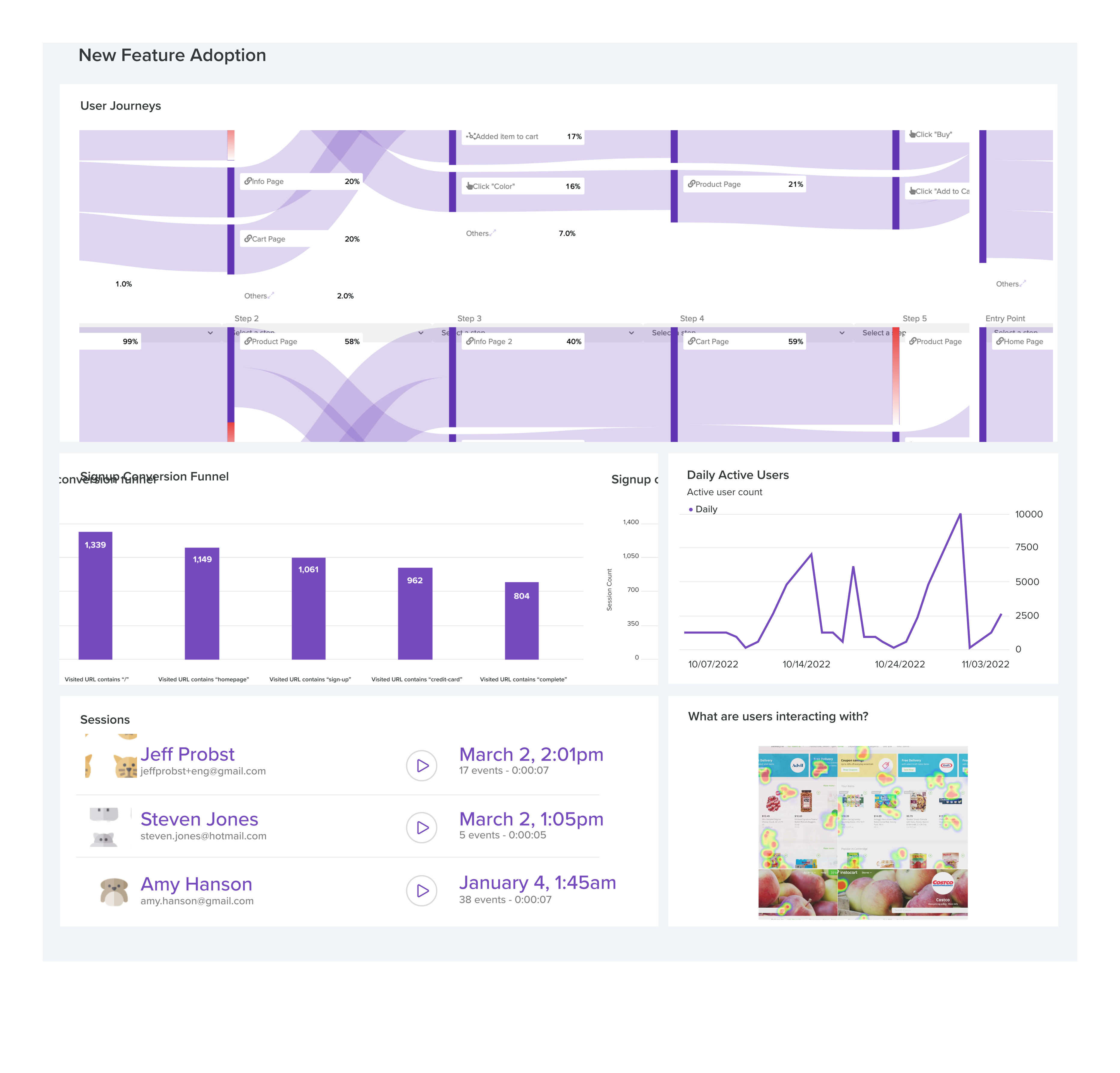
LogRocket's Galileo AI watches sessions and understands user feedback for you, automating the most time-intensive parts of your job and giving you more time to focus on great design.
See how design choices, interactions, and issues affect your users — get a demo of LogRocket today.

A 2027 guide to 14 cognitive principles for UX designers, with examples for AI-assisted work, mobile navigation, and tasks users need to resume.

Nostalgia-driven aesthetics is a real thing. In this blog, I talk all about 90s website designs — from grunge-inspired typography to quirky GIFs and clashing colors — and what you can learn from them.

AI-generated prototypes can drift from the product you intended to build. Learn how to detect missing requirements, anchor prompts to your design system, and combine AI generation with careful review and manual refinement.
How four Figma AI plugins fit into a UX workflow, from ideation and wireframing to UX writing and design critique. Compare free limits, account requirements, and data handling.

 Learn more →