As a product manager, your average day probably looks something like this:
By the end of the day, you’ve made decisions, gathered feedback, and adjusted plans, but the context behind that work is scattered across different documents and platforms. The next time someone asks why a priority changed, you’re left piecing the story back together.
I kept running into the same problem in my PM workflow. To help prevent this, I started organizing product context in a small collection of Markdown (.md) files, using AI to help maintain them. Each project has a place for priorities, customer feedback, and progress updates, along with the reasoning behind decisions.
The system depends on what I capture. Once I supply the notes, feedback, and decisions, AI can help organize that context and retrieve it when I need it.
In this article, I’ll show you how I structure these files, how AI helps me keep them updated, and what I’ve learned about preserving context for future product decisions.
Markdown (or .md) files are plain text files that use a few simple symbols to organize and format content.
Engineers often use them for documentation. A README.md file, for example, introduces a project and gives new team members the context they need to get started. That idea inspired the files I use in my PM workflow.
You only need a few basics to get started:
Try these for yourself in this Markdown demo and see how the text appears when formatted.
You can open and edit a Markdown file in any plain text editor. A Markdown-compatible app can also display the formatted version, with headings, bullets, and bold text.
For product context, this structure gives decisions, customer feedback, and priorities clear places to live. It also gives an AI assistant a consistent format to follow when organizing new information.
With access to read and edit the files, an AI assistant can help keep them updated using the context you provide. That’s the basis of the system I’ll walk through next.
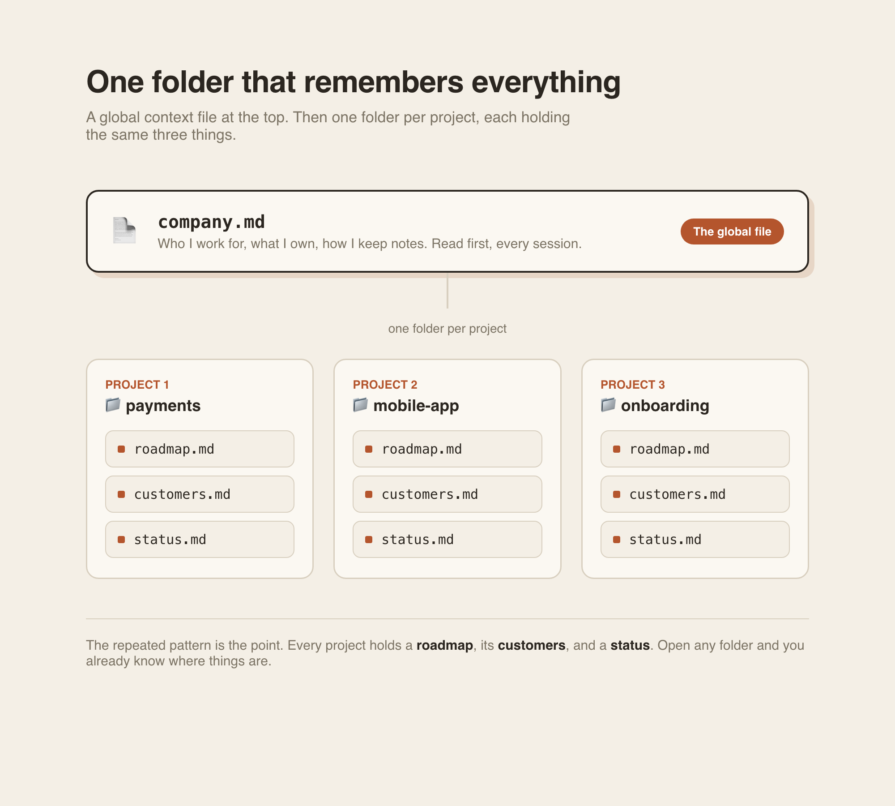
I started using Markdown files at the end of last year to bring together context from my PM work. The example above shows a simplified version of the structure I use daily:
Inside each project folder, I keep the same three files:
For some projects, I’ve expanded this structure to include analytics, stakeholder collaboration, and prioritization. The goal is to keep the context I need for product decisions together in one place.
The workflow comes down to two actions: reading and writing. To get started, you need an AI tool that can read and edit files in your project folder. Give it instructions to read company.md for background, check the relevant project file before updating it, and preserve the existing format.
If you use a chat tool without file-editing access, you’ll need to provide the file’s contents and save its suggested changes yourself.
Here’s what the workflow looks like with an assistant that can edit your files:
When Q3 planning comes around, you can ask the assistant to review the payments project files for decisions worth revisiting. The guest checkout note gives it both the decision and the reason behind it, so you have context for deciding whether anything has changed.
The system still depends on your judgment and what you capture. Meeting notes, a pasted transcript, or a two-line brain dump give the assistant something to work with. If you don’t capture it, it can’t file it.
A few things stood out once I started using this system regularly:
Here’s what I’ve learned from maintaining my own Markdown files:
Keeping product context in Markdown files has helped me spend less time retracing conversations and more time using what I’ve learned. AI helps organize and retrieve that information. Its usefulness depends on the quality of the context I capture.
Start with one project and the three files outlined above: roadmap.md, customers.md, and status.md. Use them to record decisions, customer feedback, and progress, then ask your AI assistant to review that context before your next planning session. Check what it surfaces against the original notes.
The most valuable detail you save may be the reason behind a decision. Capturing it today gives you a clearer starting point when that decision comes up again.
Featured image source: IconScout
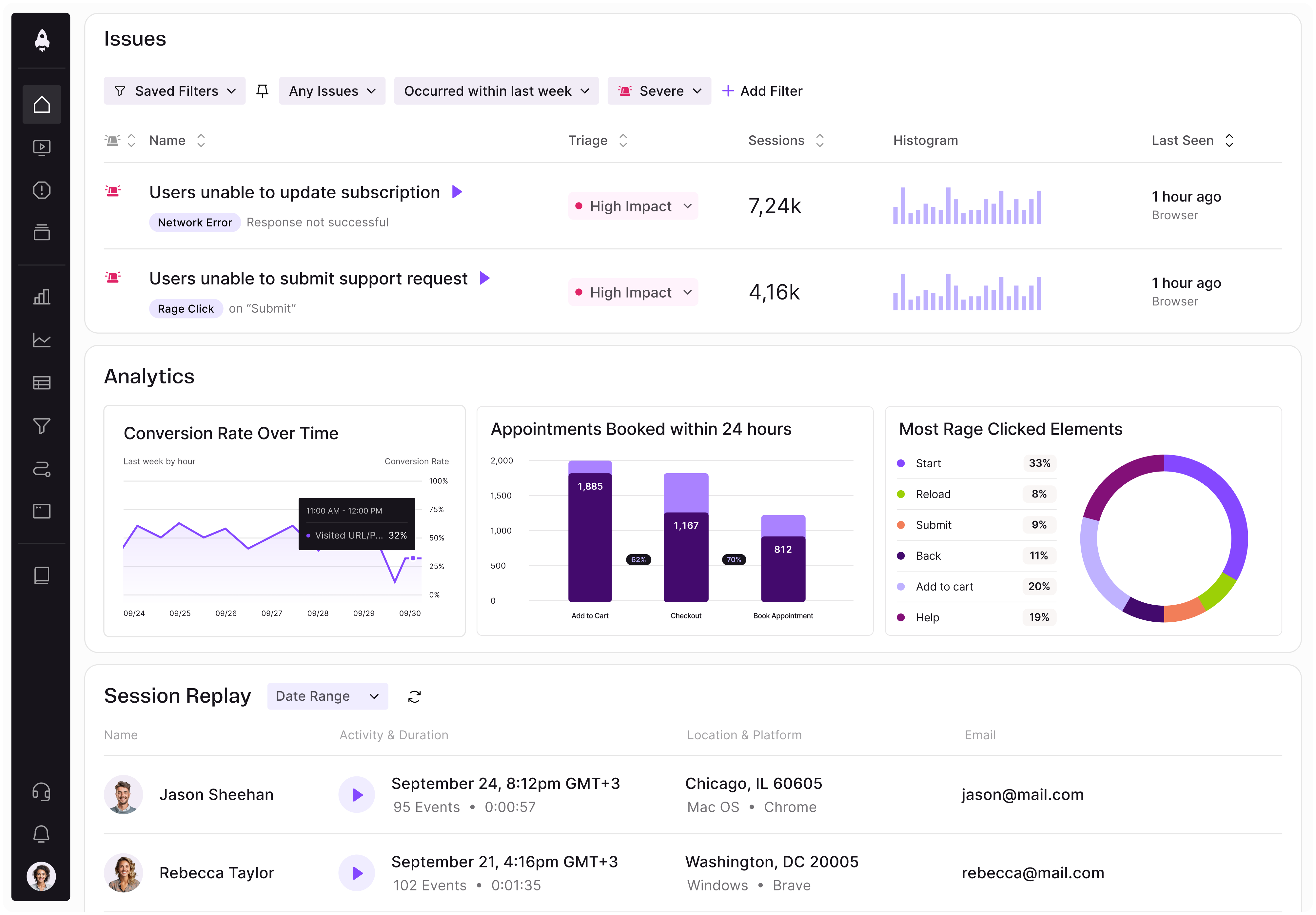
LogRocket identifies friction points in the user experience so you can make informed decisions about product and design changes that must happen to hit your goals.
With LogRocket, you can understand the scope of the issues affecting your product and prioritize the changes that need to be made. LogRocket simplifies workflows by allowing Engineering, Product, UX, and Design teams to work from the same data as you, eliminating any confusion about what needs to be done.
Get your teams on the same page — try LogRocket today.
Discover how Meilisearch uses LogRocket’s MCP and Galileo to improve free trial conversion and adoption of newly shipped features across its Cloud product.
Resolve cross-functional conflict in AI product development with a 3-step framework to clarify risks, assign owners, and align teams to act.
Learn when prompt-first UX adds friction and how product managers can choose AI interfaces that balance flexibility, structure, and control.
Is the foldable iPhone true product innovation? See how PMs can assess user needs, weigh costs, and separate real value from technical hype.

 Learn more →