My fellow no-code web designers, gather round. If I asked for your go-to web design tools, I’d hear more than one answer — because to finish a single project, most of us juggle two, three, sometimes even four apps. That’s the reality of modern web design: we’ve been trained to switch tools just to get one site out the door. The question is whether those separate tools still earn their place for the kind of site you build.
That’s starting to shift. Thanks to Framer. Instead of joining the endless debates (Webflow vs Framer, Figma vs Framer, Relume vs Framer), it offers a way to keep more of the website workflow in one environment. That is useful, but no longer unique to Framer.
In this article, I’ll walk you through Framer’s superpowers for building websites from start to finish — and we’ll see how it stacks up against the other big names in the no-code web design space.
Editor’s note: This article was updated in October 2026 to correct the Figma Sites, Relume, and Webflow comparisons, refresh pricing, add Framer’s Agent and Skills workflow, and remove an unsupported speed estimate. The author’s personal workflow and screenshots reflect the original 2025 article.
You probably know the drill when it comes to designing websites:
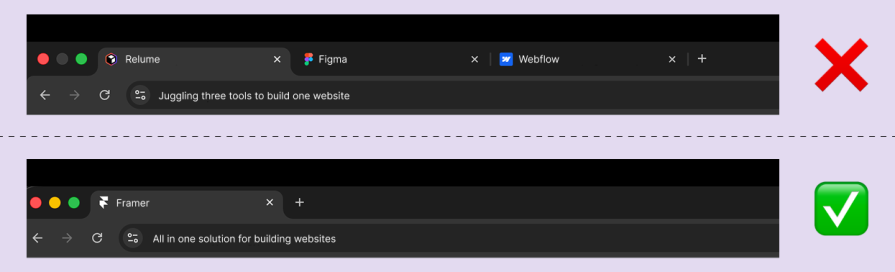
Every phase often means jumping into another tool, and that’s exactly where the friction begins. You export, re-import, and lose momentum along the way. And the pricing? That’s a whole other pain point. Paying for three or more subscriptions just to complete one project adds up quickly. Designers either pass those costs to clients or watch profits shrink.
My own stack used to be Relume → Figma → Webflow. It got the job done, but the process felt heavy; it felt like hauling groceries one trip at a time instead of all at once. Now I’ve dropped that three-tool shuffle for Framer, which bundles wireframing, design, publishing, and even AI into one smooth flow.
Framer brings visual design, responsive layouts, CMS content, and hosting into the same workspace. For a portfolio, landing page, or marketing site, that can reduce the need to rebuild an approved design in another tool. You still need to understand responsive behavior, accessibility, and how the finished site will be maintained.
Here are its biggest superpowers:
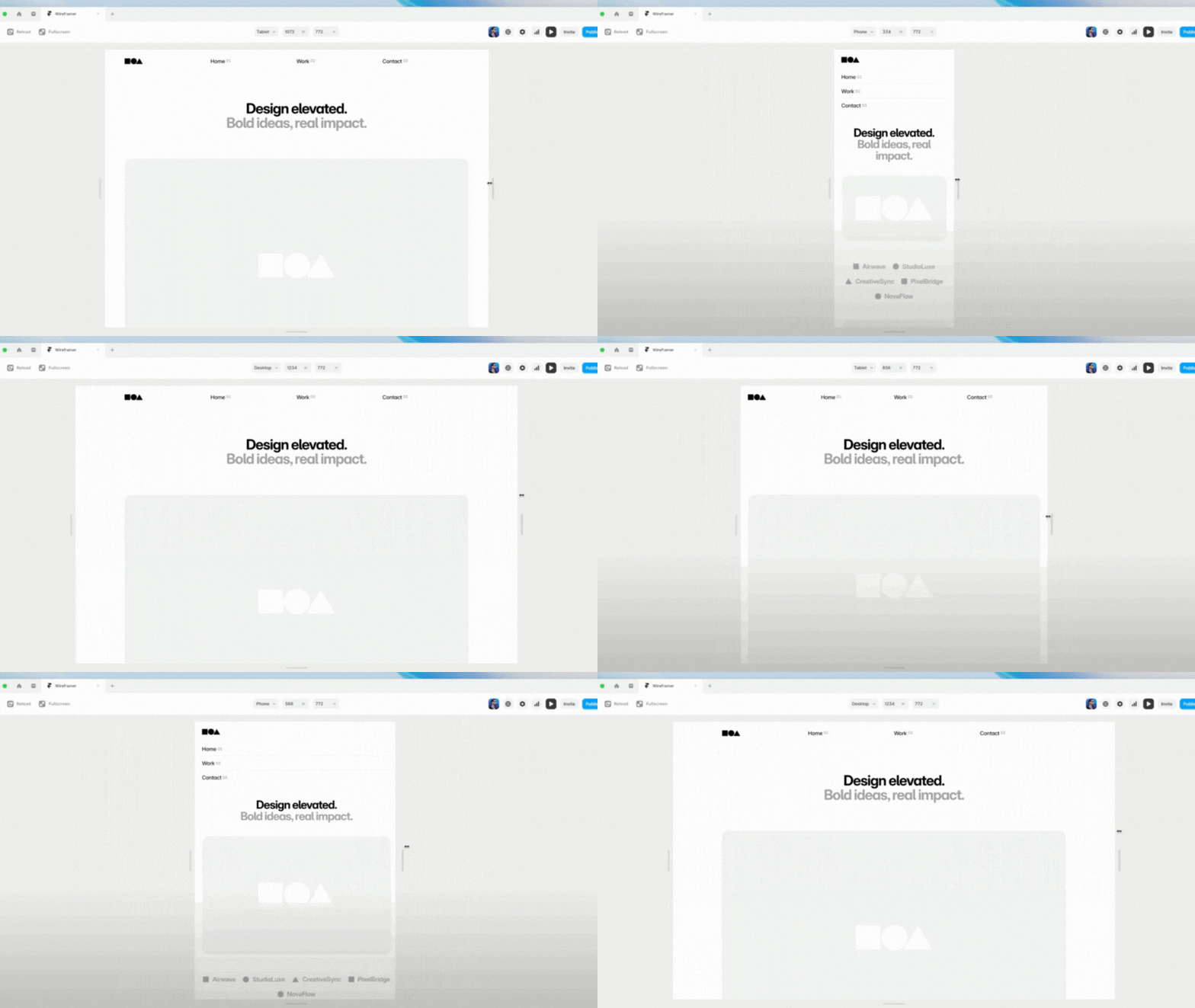
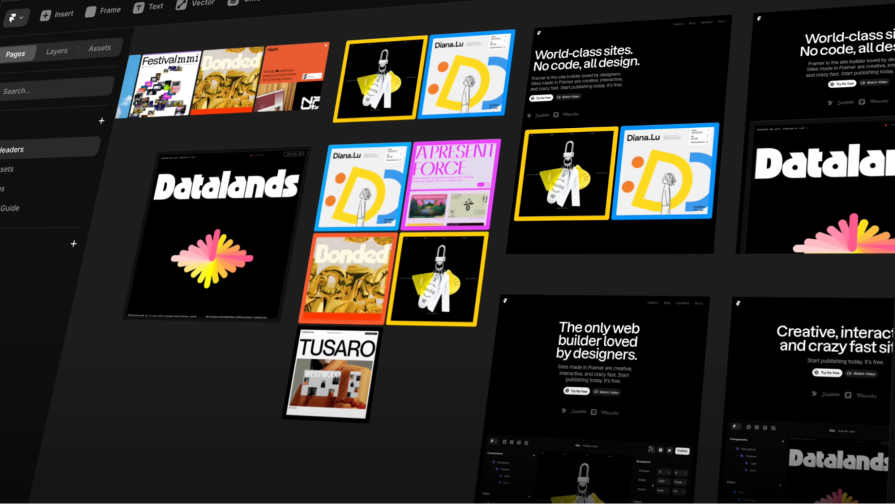

Framer’s AI story now extends beyond generating a first wireframe. Skills, introduced in September 2026, give the Agent reusable instructions tied to a project’s design system, writing standards, or CMS workflow. They can reference pages, components, and styles, and the output stays editable on the canvas.
A practical workflow is to establish your components and approved examples, ask the Agent to build a new section using that context, review the result, and capture useful decisions in a Skill for the next task. For example, a campaign-page Skill could require approved buttons, a consistent heading structure, and a mobile-layout check. These are reusable instructions, not a guarantee that the output passes every check.
The value is consistency across repeated work, not just a faster first draft. Review responsive behavior, accessibility, factual copy, and CMS connections before publishing. Include AI usage in the budget: Framer’s paid plans include credits, and additional usage can affect the plan or add-ons you need.
Framer remains a strong option for visual website delivery, but the alternatives have changed. Compare the current products rather than treating Figma as only a design canvas or Relume as only an export step.
| Tool | Current workflow | Can publish a live site? | What to evaluate |
|---|---|---|---|
| Framer | Visual design, CMS, hosting, and Agent-assisted work | Yes | CMS limits, integrations, editing roles, and ongoing costs |
| Relume | AI-assisted planning and building, with Export and Publish workflows | Yes, through Relume Publish | Choose the publishing or export workflow that fits the project |
| Figma Design + Sites | Design work plus responsive site building and CMS in Sites | Yes, through Figma Sites | Site-specific CMS, SEO, form, and publishing requirements |
| Webflow | Visual site development, CMS, hosting, and an AI site builder | Yes | CMS structure, development control, and the team’s learning curve |
Relume’s publishing documentation now describes hosting and custom-domain setup, so exporting is no longer its only route to a live site. Webflow’s AI site builder also generates sites and additional pages. The old yes/no table understated both products.
Framer’s appeal is the short path between a visual change and the delivered website. If your existing process recreates the same layout across several tools, consolidating those steps can reduce handoff work. That is a workflow advantage, not evidence that every project will be two or three times faster. This article does not include a controlled benchmark supporting that multiplier.
Test the same representative page, CMS template, and client revision in the tools you are considering. Count review, accessibility fixes, content entry, integration setup, and publishing—not just the time to generate an attractive first screen.
The original $20-versus-$56 comparison mixed individual subscriptions into a universal price claim. A useful budget separates per-site hosting from per-person design subscriptions and optional tools. The following USD prices were checked on October 22, 2026; they are starting points, not equivalent bundles.
| Product and plan | Published price | Budget consideration |
|---|---|---|
| Framer Basic / Pro | $10 / $30 per month with yearly billing | Choose by site limits and features; additional editors, localization, and AI usage can change the cost |
| Relume Export Starter | From $18 per month | Export and Publish are different workflows; confirm the selected plan and billing term |
| Figma Professional Full seat | $16 per month with annual billing | A per-person subscription; check the site publishing limits and any additional usage costs |
| Webflow Basic / Premium | $15 / $25 per site per month with yearly billing | Premium includes CMS; workspace needs and add-ons can add to the site price |
Do not assume you must buy all three alternatives together, or that the cheapest plan supports your project. An existing Figma seat used for product design may remain necessary after a website moves to Framer. Conversely, a small marketing site may not need a separate planning subscription at all. Compare the annual cost for the same number of sites, editors, CMS items, locales, and expected usage, including applicable taxes.
Framer is a strong candidate when your work centers on portfolios, landing pages, and marketing websites, and the required content model and integrations fit its capabilities. Keeping layout, content, and publishing together can simplify both delivery and later edits.
Before consolidating, build the hardest part of the actual project: a complex CMS page, a localized campaign, a lead form connected to your customer system, or a client editing workflow. Check accessibility, page performance, permissions, and what happens if the site must move to another platform. A smooth homepage demo does not settle those questions.
“Full stack” here means the website design-to-publishing workflow. It does not mean every backend, authentication system, commerce operation, or custom application requirement is included. Keep other tools where they solve a demonstrated need, rather than aiming for one subscription as an end in itself.
The convergence is already visible: Framer combines design and publishing, Figma Sites adds a publishing workflow, Relume offers Publish alongside Export, and Webflow incorporates AI-assisted site creation. The useful distinction is increasingly how well each environment supports your team’s production work.
For 2027, further consolidation is a possibility, not a guarantee. The strongest workflow will be the one that handles revisions, content maintenance, and quality checks as well as it handles generation.
Framer can replace a substantial part of a web designer’s stack when the project fits. Its canvas, CMS, publishing, and Agent/Skills workflow make that case stronger. But competitors now cover more of the same journey, and the right choice depends on the site you need to operate, not a checklist of missing features from 2025.
Use a representative project to compare delivery effort and ongoing cost. Consolidate where it removes duplicated work, and keep the tools that still earn their place.
LogRocket's Galileo AI watches sessions and understands user feedback for you, automating the most time-intensive parts of your job and giving you more time to focus on great design.
See how design choices, interactions, and issues affect your users — get a demo of LogRocket today.

Explore how UX designers can use ADPList to find guidance and share experience, what to check before booking, and how its free and paid options compare with other mentorship platforms.

I redesigned a book library app with Apple’s HIG and AI. Revisit the lessons, plus a Liquid Glass follow-up covering navigation, materials, and accessibility checks.
AI can help draft UX copy, but fluent output is not proof that it works. Learn how to ground content in research, review it against product behavior, and measure the results.

What Airbnb, PayPal, Dropbox, and other products teach us about trust in UX: make reviews verifiable, explain policy limits, and test understanding alongside conversion.

 Learn more →