
As a UX designer, I’ve had the privilege of benefiting from both sides of mentorship, thanks to ADPList:

And yes, there are many mentorship programs out there that connect mentees and mentors, but the one I recommend is ADPList. My recommendation comes from that personal experience, especially the opportunity to learn from people outside my immediate network.
In this article, I will highlight the importance of mentorship in UX design and ADPList’s role in connecting mentees with mentors. Stick through!
Key Takeaways
Editor’s note: This article was updated in October 2026 to reflect ADPList’s broader mentorship categories, clarify mentor and mentee participation and free versus paid sessions, and replace the LinkedIn mentorship comparison with current alternatives. Screenshots retained from the original article may differ from the current interface.
The ADPList is a democratized mentorship platform for designers, product managers, and people in tech, where people seek career and professional guidance. Its current categories include design, product, engineering, marketing, data, leadership, career development, and AI. For a UX designer, that creates opportunities to learn from adjacent disciplines as well as experienced design practitioners.
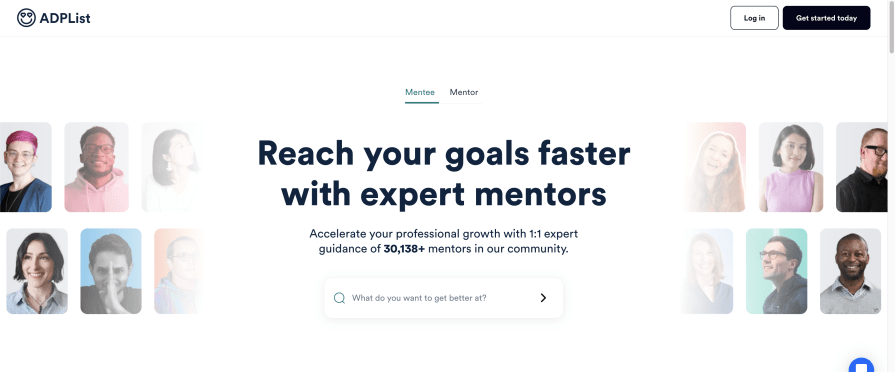
It was co-founded in 2020 by Felix Lee and James Lim during the COVID-19 pandemic to bridge the gap between newbies or less experienced designers and the tech profession. It provides guidance and networking opportunities to help the mentees grow their confidence, expand their professional networks, and advance in their careers.
The main mission of ADPList is to create a democratized mentorship platform for everyone. The co-founders designed a platform that provides a welcoming environment and support system for designers, product managers, and developers. The goal is to help them connect, grow together, and strive to improve.
In this section, I’ll break down the standout features that make ADPList the ultimate mentor-meets-mentee playground:
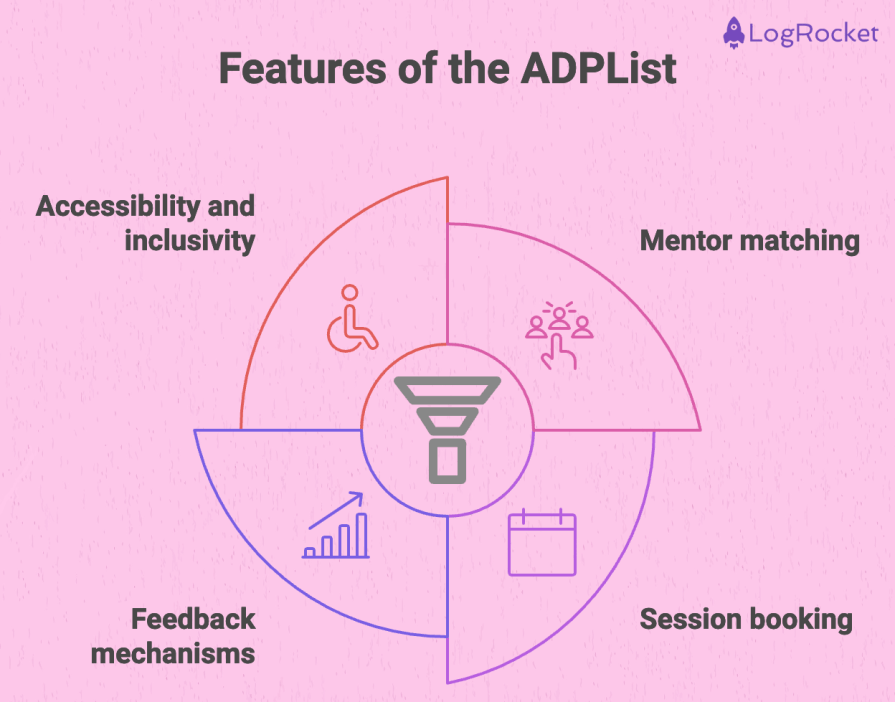
Mentorship creates space for feedback that is specific to your situation. A portfolio review, a discussion of stakeholder conflict, or an interview practice session can help you identify what to try next. The value depends on the relevance of the advice and what you do with it, rather than simply having a mentor.
Most people think mentorship favors the mentee more, but I’m going to say that isn’t true. Both parties, the mentor and mentee, are positively impacted:
Benefits of mentorship in UX design to mentees:
Benefits of mentorship in UX design to mentors:
In this section, I’ll show how to sign up and get started with ADPList so you can benefit from mentorship as a designer.
Mentoring and receiving guidance are not mutually exclusive professional roles. ADPList’s homepage features a member who describes participating as both a mentor and mentee. Becoming a mentor is a separate application and review process; being experienced in one area does not mean you have to stop seeking advice in another. Check the current onboarding and account options rather than assuming you must permanently choose only one role.
Many people attribute their design success and growth to the mentorship they got at ADPList. Cami and Bhu, for example, both reached out to each other on the platform and ever since then, they’ve grown a good mentor and mentee relationship.
They explain how ADPList has shaped their career by bringing them both together:
For UX designers, the useful comparison is how a platform supports your goal, budget, and preferred relationship. ADPList is not limited to design, and a paid plan does not automatically offer better or worse guidance. Here is a comparison based on the platforms’ own descriptions, checked in October 2026:
| What to compare | ADPList | MentorCruise | GrowthMentor |
|---|---|---|---|
| Cost model | Free sessions are available; some mentors also offer paid sessions. Check the individual booking. | Mentor-set monthly subscriptions, with a seven-day free trial per mentor. One-off sessions are also available. | Paid membership with unlimited calls, subject to the plan’s booking rules. |
| Finding a match | Browse mentors or use matching based on your goals. Review relevant experience and availability. | Browse mentor profiles and apply for a mentorship. Review the scope and price of each plan. | Use matching to find a mentor for a specific question or challenge. |
| Relationship format | Book sessions with a mentor; discuss whether follow-up meetings are possible. | Monthly plans can include calls and ongoing communication; inclusions vary by mentor. | Book calls through the membership; check how many calls can be scheduled at once. |
| Useful starting point | Explore career or craft guidance without committing to a paid subscription. | Compare ongoing support with a defined mentor and package. | Compare membership access if you expect to consult different mentors. |
Sources: ADPList’s platform guide, MentorCruise’s payment and trial policy, and GrowthMentor’s membership page. Availability, inclusions, and prices can change. A recognizable employer or high rating is a starting signal, not a guarantee of a good mentoring relationship.
Pros
Cons:
If you’re a UX designer in the early stages of your career, get a mentor. If you’re a more experienced designer, consider mentoring someone else.
All of this might sound straightforward and obvious, but many designers still miss out on the opportunity.
As someone who has been in both shoes of mentorship, I can tell you for a fact that being both a mentee and a mentor has significantly shaped the designer I am today and continue to be. You can also benefit from it with ADPList.
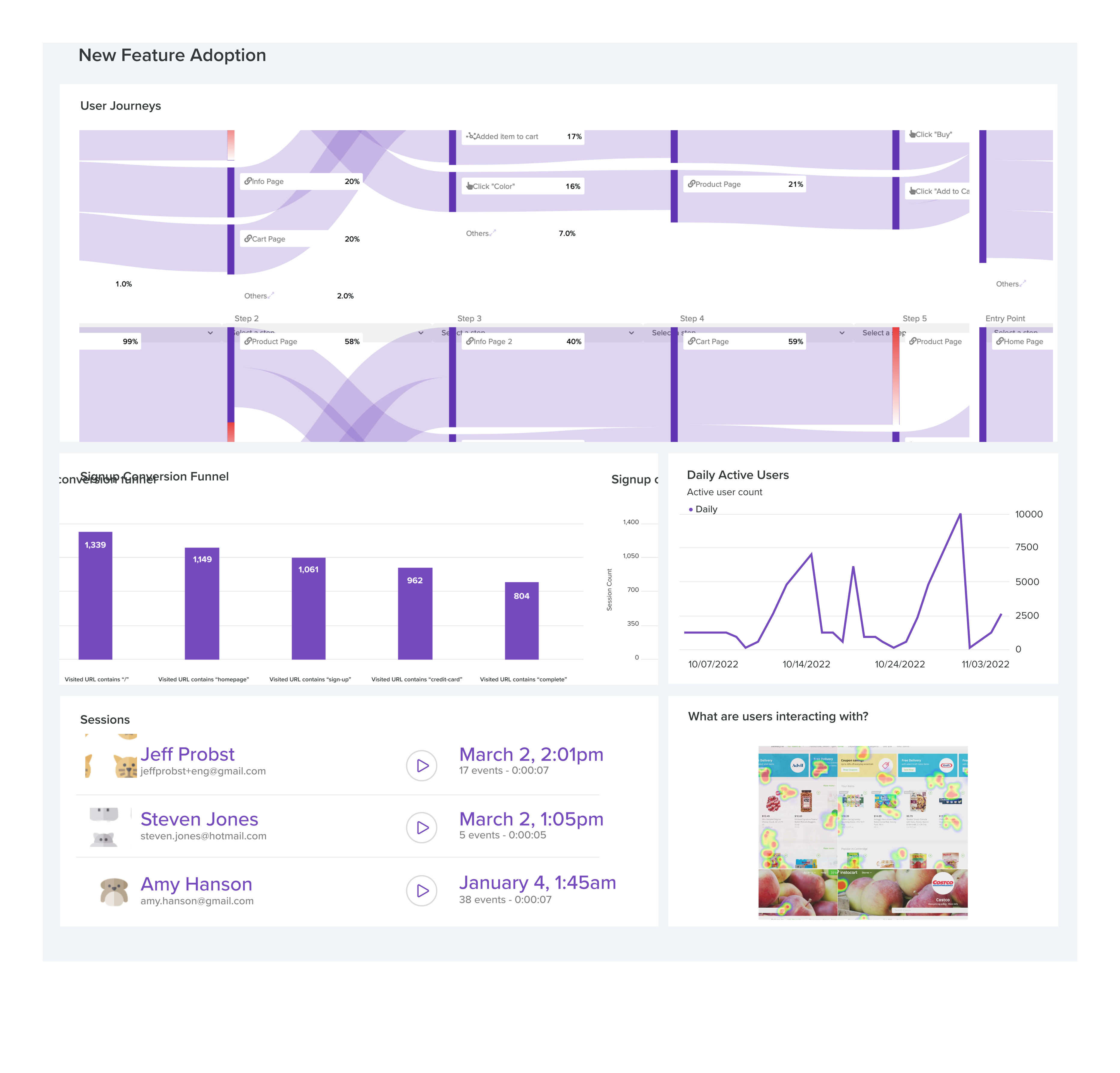
LogRocket's Galileo AI watches sessions and understands user feedback for you, automating the most time-intensive parts of your job and giving you more time to focus on great design.
See how design choices, interactions, and issues affect your users — get a demo of LogRocket today.
Design critiques help teams predict outcomes. UX postmortems connect those predictions with what happened after launch. Learn a six-step framework for reviewing assumptions, combining evidence, identifying surprises, and sharing lessons without adding a heavy process.

Learn how to crop shapes and images in Figma with square and circle crops, frame clipping, boolean subtraction, vector masks, and AI cutouts, with practical examples and troubleshooting tips.

Learn how to build hero sections that load quickly, respond smoothly, and remain accessible, with practical checks for contrast, keyboard navigation, motion, media, and Core Web Vitals.
A design can look right and still fail in users’ hands. Learn how five kinds of prototype stress tests expose edge cases early, from awkward screen widths and real-world inputs to loading states, unexpected interactions, and accessibility.

 Learn more →