React Native’s ScrollView component is a generic container that can contain multiple elements — Views, Texts, Pressables, and even another ScrollView. After putting all those elements inside the ScrollView component, you can use it to scroll through them vertically (the default) or horizontally (by adding it as a prop).

We can see scrolled components in almost every app available on the App Store and Google Play. Today, I’ll explain some common mistakes when using ScrollView in React Native and how to avoid them, plus a few tips and tricks to help provide the best user experience possible.
The first and most common mistake of using ScrollView is not knowing when to use it. There are two common List components in React Native: ScrollView and FlatList.
To determine which one to use, we only have to remember one thing: ScrollView works best to display a small amount of elements with a limited size because all of ScrollView’s children components are rendered at once — even if they’re not currently visible on-screen.
This is why if you have a lot of elements inside your ScrollView and some of them are, for example, taller, portrait-style pictures, ScrollView’s performance may be a bit laggy and unpleasant for the user.
Whenever you’re fetching data from an API in the form of lists, for example, the best way to display them in your app would be with the FlatList component, which is implemented differently. Because FlatList only renders elements that are currently showing on the screen — not all the elements at once — it is capable of displaying long lists in a more performant way.
FlatList exposes to us a long list of props that are designed for the best UX and performance of rendering long data lists, including:
removeClippedSubviews – A Boolean that, when enabled (it’s false by default), detaches views that are outside the viewport from the native view hierarchy, which reduces time spent on the main thread, leading to reduced risk of dropped framesinitialNumToRender – This is the initial amount of items to be rendered into the FlatList. The best practice is to define the precise amount of items that would cover the viewport for every device, which could be a performance boost for the initial rendering of the component. Setting this number too low may cause blank areasThere are a few more great tips on how to improve FlatList performance, which have been very well explained in the docs here. I hope by reading the paragraph above I helped you understand when to use which component.
Now that we know when to use the ScrollView component, let’s take a look at how to use it. Beginners often waste a lot of time figuring out how to properly style the ScrollView because it has two styling props: style and contentContainerStyle. Here’s a short explanation of those props:
style prop is used for the styling of the ScrollView parent element, which we can think of as a simple, non-scrollable View. We’re setting the size of the ScrollView element on the window viewport and its relative position to sibling elements. This parent container cannot exceed viewport’s height or widthcontentContainerStyle prop is a scrollable container inside the parent ScrollView I described above. It’s the moving part of the ScrollView, and this is where we’re applying styles that allow us to align the items inside, add padding, etc.Here’s a live example you can test on snack.expo.io:
So now that we know when to use ScrollView and how to style it, I’ll explain some of the common props that may cause some confusion and lead to bugs.
When working with ScrollView, we often need to track the scroll position. To do so correctly, we should use onScroll props. This event fires maximally once per frame during scrolling. A single scroll event is an object that looks like this:
{
  nativeEvent: {
    contentInset: {bottom, left, right, top},
    contentOffset: {x, y},
    contentSize: {height, width},
    layoutMeasurement: {height, width},
    zoomScale
  }
}
In order to use those values correctly, we have to know what each of those properties does:
contentInset – This is the margin of distance from the edges of the ScrollView to its content; the default object value is {top: 0, left: 0, bottom: 0, right: 0}contentOffset – This value is the distance that the user has already scrolled from the beginning, most often used when we want to track the scrolled value. If it’s a horizontal ScrollView component, we’re using contentOffset.x; if it’s vertical, we’re using contentOffset.ycontentSize – We use this prop to get the height and width of the content inside the ScrollView. It’s often used together with layoutMeasurement and contentOffset — for example, to determine whether the user has scrolled to the end of the content. We have to be especially careful when using this prop because it is not available on Android for performance reasonslayoutMeasurement – This is the height and width of the viewportzoomScale – The current scale value of the ScrollView’s content. When ScrollView contains only one Image component, we can use it together with the maximumZoomScale and minimumZoomScale props to zoom in on the ImageCorrectly using onScroll and tracking scroll position may be a tricky task due to performance reasons. This is why it’s always important to remember how many necessary operations we’re calling with a single scroll event.
To have better control of the scroll event, we use a scrollEventThrottle prop, which controls how often the scroll event will be fired while the user is scrolling (by time interval in milliseconds). A lower amount can lead to better accuracy for tracking the scroll value position (contentOffset), but it may often lead to performance issues.
The difference between values 1–16 will not be noticeable for the eye because the JS run loop is synchronized to the screen refresh rate (16 is the recommended number here in most cases). Setting a higher number results in less code sent across the React Native bridge, which improves performance.
Last but not least, I wanted to talk about nesting a ScrollView component in another ScrollView component. We may sometimes want this kind of composition when, for example, implementing a mix of horizontal and vertical elements.
By default, nesting ScrollViews is automatically enabled on iOS, but in order to have it on Android, we have to set the nestedScrollEnabled props to true and also remember that our Android API must be on level 21+ (the default in React Native v0.63 is 24).
Although there are many more interesting props inside the ScrollView component that allow us to create tons of interesting user experiences, I think I’ve emphasized the most common mistakes and important use cases of the ScrollView component based on my experience.
I hope I’ve explained them in a way that will help you use this component a bit more easily. If you have any other issues with the use of ScrollView component, feel free to address them in the comment section — I’ll keep an eye on it, and I’ll answer all the questions you may have.
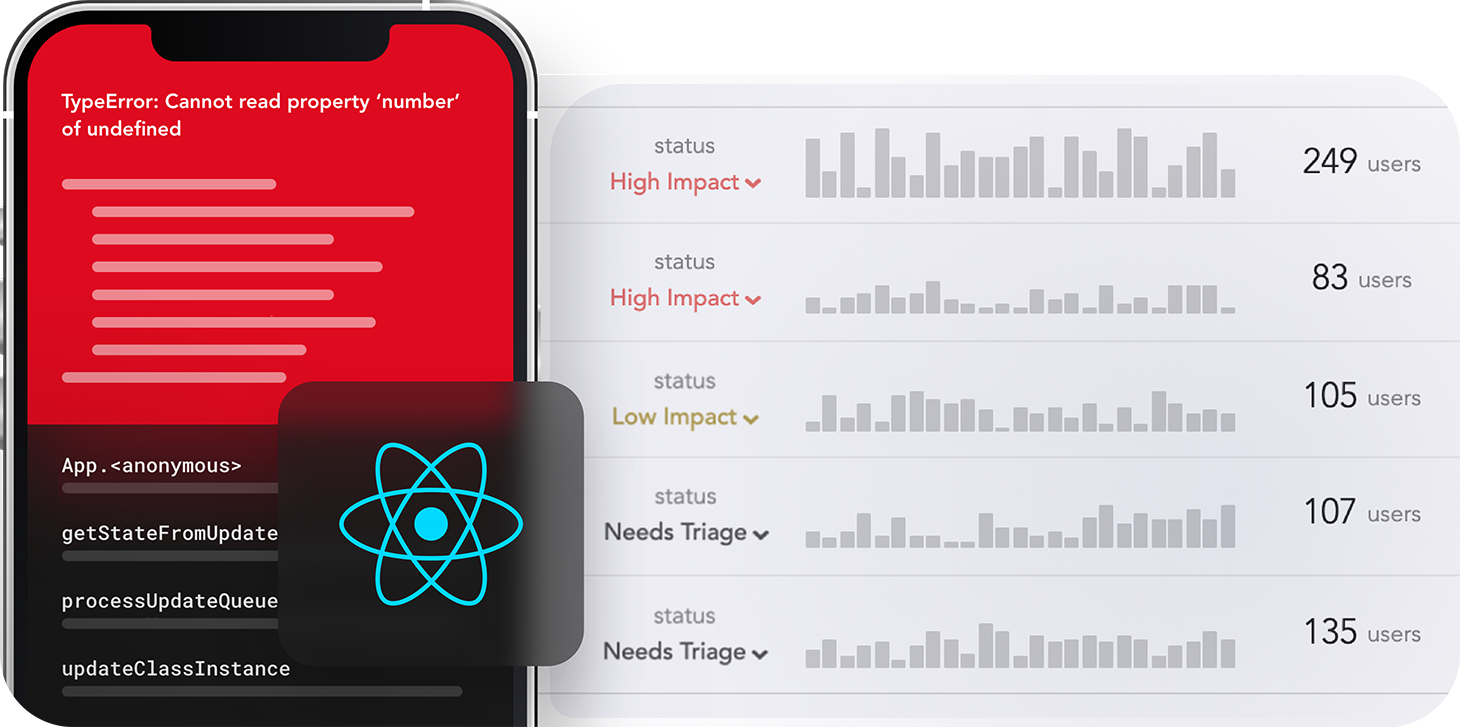
LogRocket's Galileo AI watches sessions for you and and surfaces the technical and usability issues holding back your React Native apps.
LogRocket also helps you increase conversion rates and product usage by showing you exactly how users are interacting with your app. LogRocket's product analytics features surface the reasons why users don't complete a particular flow or don't adopt a new feature.
Start proactively monitoring your React Native apps — try LogRocket for free.

Learn how coding agents streamline TDD with automated tests, quality guardrails, and mutation testing to catch bugs and build reliable software.

We tested five AI code review tools for speed, setup, security, and code quality to compare their strengths and help you choose the right tool.

Compare five React toast libraries for features, bundle size, accessibility, performance, and React 19 compatibility.
See how Tecovas built a patching agent that turns LogRocket’s Galileo AI issue analysis into GitHub PRs, with a developer reviewing every fix before it ships.
Would you be interested in joining LogRocket's developer community?
Join LogRocket’s Content Advisory Board. You’ll help inform the type of content we create and get access to exclusive meetups, social accreditation, and swag.
Sign up now

 Learn more →