The AI wave hit in 2022 with the release of OpenAI’s GPT-3.5, and writing as we knew it changed overnight. Suddenly, anyone could produce polished copy in seconds. But does AI-generated copy actually work in UX?
It depends on what parts of your UX writing process you hand over to AI. These tools can draft microcopy at lightning speed, but UX writing is not a race to the finish line — it’s about adapting copy to meet users where they are. Sometimes, standard copy might suffice; other times, users need carefully chosen language to help them move forward. The key is knowing where to use AI and where human insight is non-negotiable.
In this article, I’ll share six practical ways you can collaborate with AI in your UX writing workflow — and what you should never leave to AI. But first, let’s take a moment to understand how AI — specifically, large language models (LLMs) — generate text and why that matters for your process.
Generative AI tools like ChatGPT, Gemini, and Claude are powered by LLMs. These LLMs are trained on massive amounts of text from books, websites, articles, and social media. They learn patterns and use them to predict what should come next in a sequence, allowing them to generate content that sounds natural.
Put simply, LLMs are excellent mimics.
This works well for informative content such as blog posts and articles, where the goal is to share knowledge and summarize information. But UX writing is a completely different ball game.
Effective UX copy adapts to where the user is in their journey, whether they’re onboarding, troubleshooting, or finalizing a purchase. It ensures that the tone, wording, and even the rhythm align with their mindset in that moment.
Pattern recognition alone can’t achieve this. A UX writer must take the reins, combining AI’s speed with human judgment, empathy, and context. Here are six ways to achieve this:
AI has consumed more information than anybody can process in a lifetime, making it excellent at generating ideas in seconds. Will the ideas be unique or perfect? Maybe not. But they will point you in the right direction and give your brain strong material to work with. And this is quite useful in UX writing, where countless iterations are necessary to arrive at that one “aha moment”.
One way I get the ball rolling when I’m short on ideas is to ask ChatGPT to generate copy options based on a predefined voice and tone:
Based on [brand name]’s upbeat, modern, and localized voice, can you recommend 10 options for a button label to indicate that a task is now in progress?
From there, I can:
For example, ChatGPT might suggest options ranging from the short and direct “In progress” to the conversational “Getting it done”. While these aren’t ready-to-use final copy, they act as a great starting point by showing what typically works in similar contexts. They might even spark ideas you wouldn’t have considered.
Analyzing research data (be it interview transcripts, usability notes, or survey responses) can take several hours. AI can speed up this process by identifying themes, pain points, and even language patterns across your data in seconds.
Here’s an example prompt I’ve used in the past:
I conducted 8 user interviews about the checkout experience for [app name]. I want you to analyze the research findings and identify: (1) The top 3-5 pain points mentioned, (2) How many users mentioned each pain point? (3) What exact words or phrases do users use to describe these issues? Here are the excerpts: [paste anonymized data].
AI can easily spot recurring themes like “5 out of 8 users found payment options confusing. Phrases used: ‘I didn’t understand the difference,’ ‘too many choices’.” This language insight is gold for UX writers — you know the users’ exact language, helping you craft copy that addresses their actual concerns in their own words.
You’ll need to validate the AI’s findings by checking them against your full data set to ensure you’re focusing on the right user problems. But it gives a strong head start.
Unlike before, when UX copy was often treated as an afterthought — added at the end to fix usability issues — brands are now increasingly recognizing the importance of putting UX copy before design.
But writing copy before mockups means you can’t see how it’ll look and feel in context. AI-powered tools like Figma Make can fix this by generating interface layouts to show how your microcopy appears on buttons, forms, modals, and screens.
AI can also serve as a powerful editing assistant. Beyond basic grammar checks, it can adjust tone and voice, polish phrasing, and even optimize content for different interface messages.
For example, you can prompt AI to align copy with your brand’s voice like this:
Rewrite this confirmation message in a friendly, upbeat tone that matches [brand name]’s voice: [input data].
AI can also analyze whether copy fits character limits (for buttons or notifications), and suggest more concise alternatives.
With the right prompt, you can use AI to create or analyze information architecture (IA) in a fraction of the time it would normally take. While its output will still need refinement to fit the specific product and user needs, it provides a fast and effective way to visualize what an IA could look like for your audience.
Say you wanted to develop the IA for a crypto trading platform; you could use a prompt like:
Generate a sample information architecture for a platform that helps users trade cryptocurrencies. Create a clear, hierarchical structure that organizes content logically for easy navigation. Define the main categories and subcategories users would expect to find, ensuring the layout supports both novice and experienced traders.
Let’s see how AI performs on this task:
And here’s Gemini’s response, pasted into Google Sheets:

Gemini came up with the main categories, and even defined the subcategories and key pages under each primary category, resulting in a clear hierarchical structure that can be refined to suit your specific product.
AI can serve as the first step in the localization process, helping identify copy that might not work across cultures before you involve professional translators.
Here’s an example prompt you can use:
Flag potential cultural issues in this copy for users in [region]. What parts might not translate well? Suggest any adjustments needed to match formality expectations.
This proved useful while working on an app for a Nigerian audience recently. I’d used the word “smash” in the microcopy — something like “Smash your next task!” I ran it through ChatGPT, which flagged the word as having sexual slang connotations for younger users (my main audience).
To validate this, I tested the copy with actual users from the region. Luckily, no one misinterpreted it. In that context, the meaning was perfectly clear. But speaking with those users helped me discover better words to convey the same meaning without risking misinterpretation.
In this case, AI overinterpreted, but it raised a question I wouldn’t have thought to ask on my own; a question that opened me up to new ideas.
As we’ve already established, AI has some solid uses in the UX writing process, but can also falter when placed in charge of certain UX decisions. Let’s look at where it falls short.
Given that AI learns from existing content, it can also inherit the biases, assumptions, and imbalances present in that data.
In UX writing, these biases most often surface as cultural and linguistic bias. Since a disproportionate amount of the data available for training is Western and tech-centric, it naturally defaults to that audience — native English speakers who are young, tech-savvy, and comfortable with casual tone — even when your actual users are different.
Trying to correct this often exposes a deeper problem: AI doesn’t adapt, it overcorrects. Prompt AI to write for a specific audience, and it swings to stereotypes instead of nuance.
For example, when I ask AI to tailor content for a Nigerian audience, it immediately defaults to Nigerian Pidgin English — assuming that because it’s widely spoken, all Nigerian users prefer it. This ignores an important context: most Nigerian users expect formal, standard English in professional interfaces. Even worse, not all Nigerians speak Pidgin, making it exclusionary to the very people it was meant to serve.
The same pattern appears across audiences. Ask for ‘Gen Z,’ and you’ll get overly casual language that feels forced and unserious, as if young users can’t handle straightforward language.
Cultural adaptation exists on a spectrum. It’s not a binary switch that can be flipped for one audience or the other. Rather, it requires context-dependent judgment — knowing when to adapt, how far to adapt, and when not to adapt — and that kind of judgment can only come from a human writer.
At its core, AI is an excellent mimic. It thrives on remixing existing ideas rather than creating truly original ones. Unless we feed it new input, it will keep recycling familiar information.
Does this mean every microcopy, button label, or onboarding flow must be groundbreaking or novel? Of course not. But if we’re going to use existing ideas, it should be tailored to suit the exact audience we’re writing for. This requires empathy, warmth, and intuition — all of which AI is incapable of.
Take this example shared on LinkedIn. A banking platform used playful, casual language when helping users manage their finances. This didn’t sit well with a mature user who expected their bank to sound professional and trustworthy. The copy failed to consider crucial context — the user’s age, their relationship with money, and their expectations of how a bank should communicate:

AI naturally defaults to familiar but often inaccessible patterns like “Click here” (which assumes that users can see and click the text), vague button copy like “Submit” or “Continue”, and unhelpful error messages like “Oops…Something went wrong!” that leave users stranded without a clear next step.
Even when you explicitly prompt it to write accessibly, AI still falls short. True accessibility requires balancing clarity, concision, actionability, and assistive technology support simultaneously. AI can’t hold all these constraints at once, so it defaults to whatever pattern is most frequent in its training data.
This is where the human advantage comes in. We develop intuition through experience: watching users struggle with unclear copy, understanding that different audiences might interpret the same phrase differently, knowing instinctively when to add context and when to trust users to fill in the gaps.
Since intuition can’t be automated, ensuring that AI-generated content is accessible is — and will remain — a human responsibility.
AI is more of an accelerator than an actual co-pilot. Use AI to handle repetitive tasks, generate copy ideas quickly, synthesize research, and spot potential issues. But keep the core decision-making where it belongs: with you.
Here’s what this looks like in practice: Let AI generate multiple copy variations, then use them as inspiration to craft something that truly fits your users’ context. Use it to spot patterns in your user research data, then apply your judgment to ensure you’re targeting the right problems. Let it flag potential cultural or tone mismatches, then validate those concerns by checking with actual users from those regions.
Given how integral AI has become to today’s workflows, the question is no longer whether to use it, but how to use it well. AI can spark new ideas and handle repetitive tasks, but the empathy and context that puts the “U” in UX lies with you.
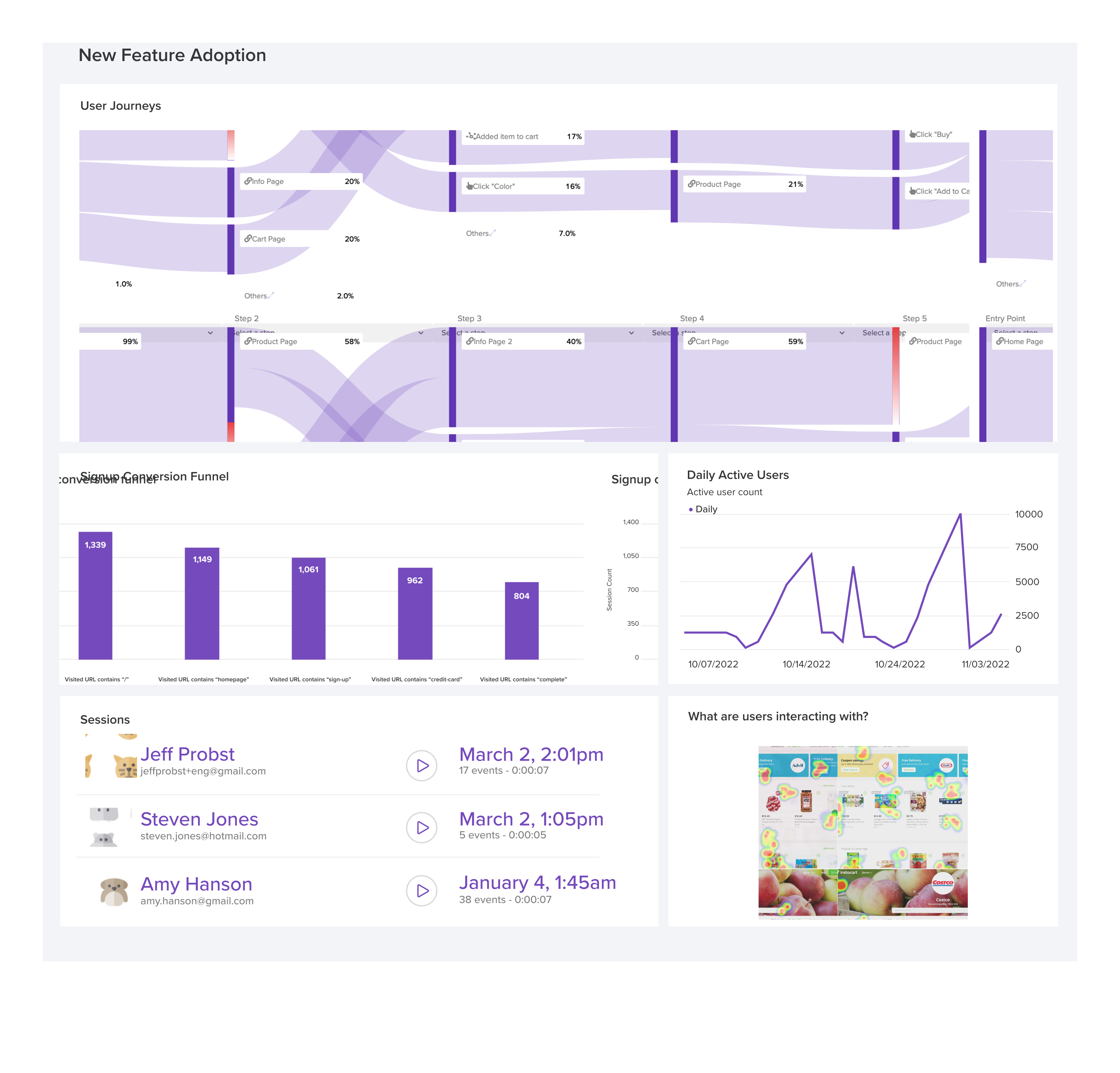
LogRocket's Galileo AI watches sessions and understands user feedback for you, automating the most time-intensive parts of your job and giving you more time to focus on great design.
See how design choices, interactions, and issues affect your users — get a demo of LogRocket today.
Multimodal UX goes beyond designing for screens. Learn how context-aware systems, progressive modality, failover modes, and accessibility-first design create better digital product experiences.

Learn how context-aware mode prioritization and seamless transitions improve multimodal UX and reduce mode confusion.

Research is becoming more democratized, product cycles are accelerating, and AI is transforming synthesis and ResearchOps. Here are the three trends shaping UX research in 2026.

Voice support is not the same as multimodal UX. Here’s how to design systems with true mode continuity and context-aware interactions.



 Learn more →