Headless CMS is all the rage at the moment. It gives you the ability to decouple your backend from your frontend with the added advantage of delivering content from a single source.

People relish the idea of a flexible frontend, straying from the standard coupled days of Joomla and Drupal.
In this article, we’ll be setting up Strapi — a flexible, open-source, Headless CMS that you can deploy on your own servers, along with Nuxt.js, a powerful open source web application framework based on Vue.js for building universal web applications.
We’ll use the two to build a landing page for my radio show, Malgamves On Air.
To get started, we have to have a Vue CLI installed.
Run yarn global add @vue/cli to get it installed.
We’ll start by creating a new folder called nuxt-x-strapi.
Run cd nuxt-x-strapi to change directories so we can set up our frontend and backend in it.
We’re using Nuxt for our frontend.
Run yarn create nuxt-app frontend, and create a new folder called frontend.
N.B: Select Tailwind UI when asked about which UI framework you want to use.
Go into that folder and run yarn dev to start the application.
You’ll find it running at http://localhost:3000. You’ll be greeted by the usual Nuxt starter page:

Now that we have our frontend running, we need to se tup our project with Strapi as our backend.
Strapi is extensible and lets us manage what we use as our database.
We’ll use the quickstart flag, --quickstart, which sets us up with a SQLite database.
Head back to nuxt-x-strapi/ and run the following command: yarn create strapi-app backend --quickstart.
At this point, a new folder called backend will be created.
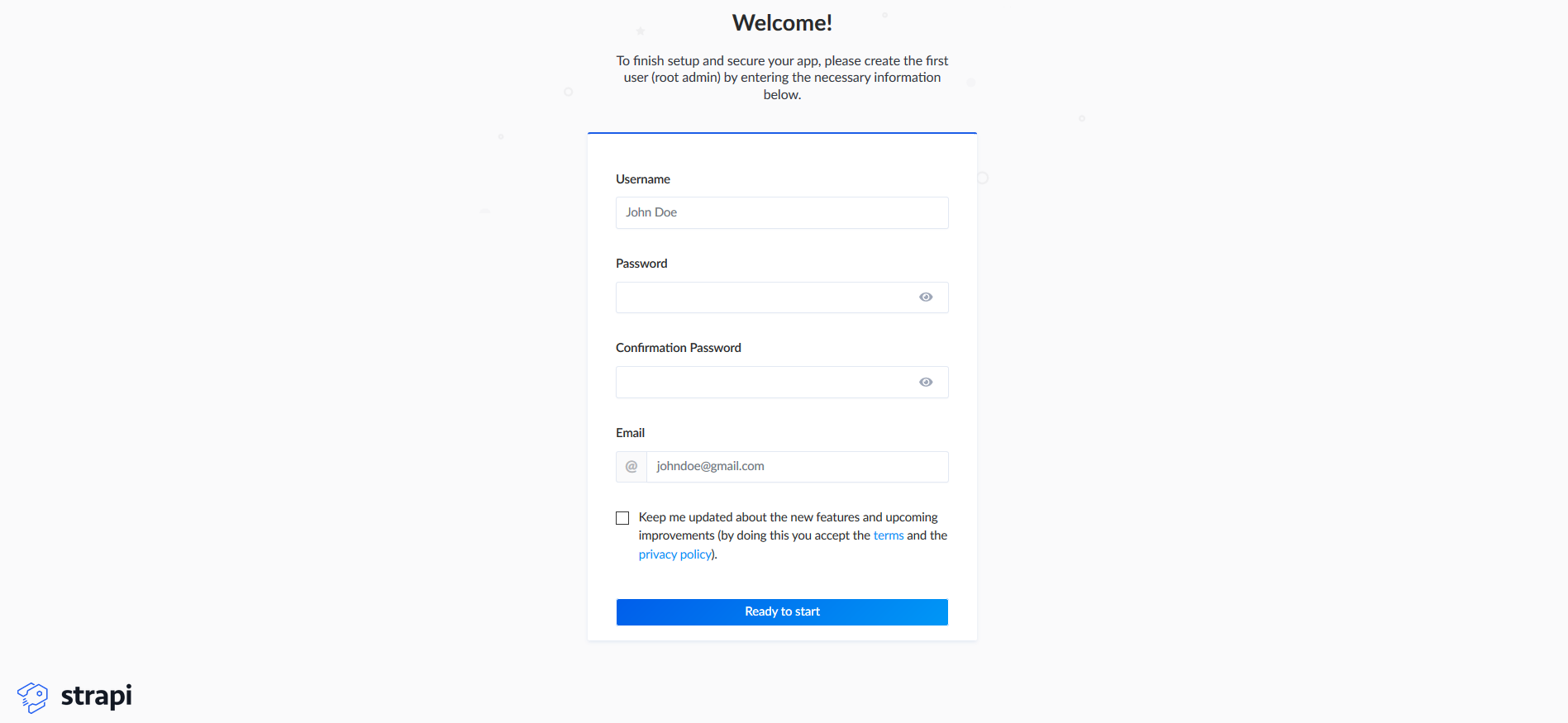
We’ll be redirected to our browser where we have to set up our Strapi administrator credentials.
Don’t worry if you aren’t redirected — you can open up http://localhost:1337/admin/auth/register/ in your browser.
N.B: If you stop the Strapi service, you can start it again by running
yarn developinnuxt-x-strapi/backend.
After putting in your details, you’ll be directed to a dashboard. Here we’ll start to define our content types as an administrator.
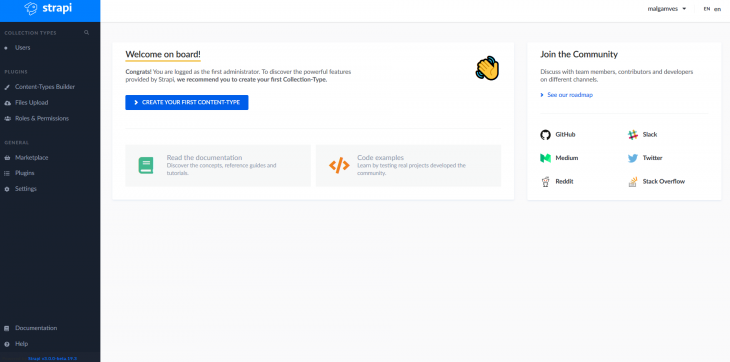
You’ll notice that we already have a User content type: this happens by default.
We need to define a content type that complements what we’re trying to build: a display of radio show episodes.
Click Create First Content Type and type album when asked for a name. Then click save.
Almost immediately, you’ll be asked to add fields to your content type. One after the other, create the following fields:
After this, save the field types and save the album content type.
Your Strapi server will then restart, and you should see albums as a content type in the left menu of your dashboard.
We have our content type defined, but we don’t have any content to display yet.
Click on album in the left menu, then add album in the top right to add some content.
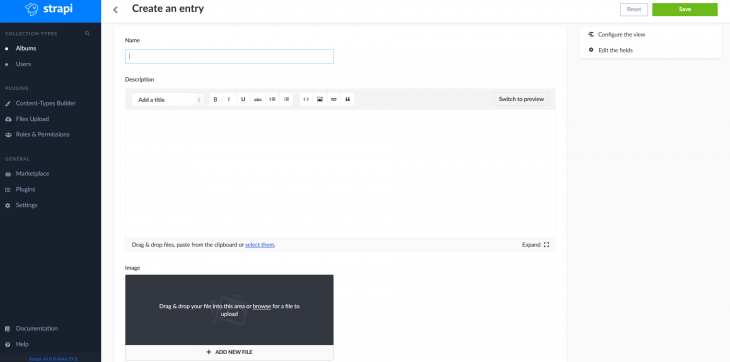
Give your album a name, a description, and upload an image. Click save, and you’ll have some content in your database.
Before we can use this data or query any endpoints, we’ll have to set some access control rules.
You’ll notice that going to http://localhost:1337/albums gives you an error.
Like we just saw, we can’t accept the data yet because we haven’t set permissions to enable us to do so.
By default, new API are secured in Strapi and need different rules to be specified.
We need to go over to Roles and Permissions under Plugins in the menu on the left (you can also go to http://localhost:1337/admin/plugins/users-permissions/roles).
Click on the authenticated role and check the find and findone checkboxes, then save.
Do the same thing for the public role, and save that, too.
Now, when you go to http://localhost:1337/albums, you should be able to see the results of the API call.
Currently, we’re using REST for our API.
However, Strapi supports GraphQL and can be enabled by installing a plugin.
We’ll use GraphQL to deliver the content from Strapi and display it in our Nuxt app.
Shut down your Strapi service. Then, in project/backend, run yarn strapi install graphql.
Alternatively, you can install GraphQL in Strapi from the marketplace in Strapi admin.
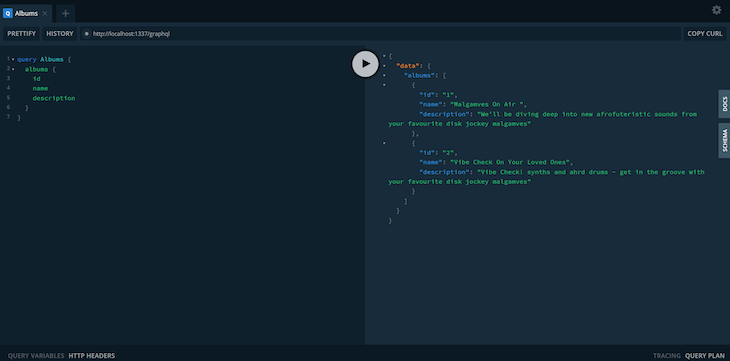
When the installation is complete, go to http://localhost:1337/graphql and you’ll see your GraphQL Playground where you can test queries.
It looks a little like this:
Okay! Where are we now?
We’ve got our GraphQL Strapi backend working, and we’ve got content in our database. All we need to do now is connect the backend to the frontend.
Since we’re using GraphQL, we need to install Apollo in our Nuxt app.
In /nuxt-x-strapi/frontend/ run yarn add @nuxtjs/apollo graphql
After installing Apollo, we need to add the code below to our nuxt.config.js file.
...
modules: [
  '@nuxtjs/apollo',
],
apollo: {
  clientConfigs: {
    default: {
      httpEndpoint: 'http://localhost:1337/graphql'
    }
  }
},
...
Now we need to create a file to store our GraphQL query.
Go to frontend/apollo/queries/album/, create the file, and call it albums.gql. Then we’ll paste this query in it.
query Albums {
  albums {
    id
    name
    description
    image {
      url
    }
  }
}
All this does is get the id, name, description, and image url from our backend so we can consume this in our frontend.
In pages/index.vue we paste the following in our <script> tag.
import albumsQuery from "~/apollo/queries/album/albums";
export default {
data() {
return {
albums: [],
query: ""
};
},
apollo: {
albums: {
prefetch: true,
query: albumsQuery
}
},
computed: {
filteredList() {
return this.albums.filter(album => {
return album.name.toLowerCase().includes(this.query.toLowerCase());
});
}
}
};
At the top of the file, we import our query.
We have a section for Apollo where we define the query we just imported, and another section where we filter the result from the query.
In pages/index.vue, we paste the following in our <template> tag:
<div>
    <div class="title">
      <h1>Welcome to My Radio Show</h1>
    </div>
    <div class="container">
      <div  v-for="album in filteredList" v-bind:key="album" class="max-w-sm rounded overflow-hidden shadow-lg p-1">
        <img
          class="w-full"
          :src="'http://localhost:1337' + album.image.url" alt="" width="300" height="300"
        />
        <div class="px-6 py-4">
          <div class="font-bold text-xl mb-2">{{ album.name }}</div>
          <p
            class="text-gray-700 text-base"
          >{{ album.description }}</p>
        </div>
      </div>
    </div>
  </div>
Here we use v-for to dynamically display the items in our CMS.
We interpolate the album.name and album.description, as well as the image which we place in the src directive. When we run the frontend of the application, this is what we see:

In this tutorial, we got a Nuxt app working, we set up our Strapi backend, added data to our CMS, and enabled the GraphQL API.
Now we have the the data in our Strapi CMS displaying in our Nuxt app.
You can check out the project repo on GitHub.
Hope you found this useful. Hit me up on Twitter if you have any questions.
There’s no doubt that frontends are getting more complex. As you add new JavaScript libraries and other dependencies to your app, you’ll need more visibility to ensure your users don’t run into unknown issues.
LogRocket is a frontend application monitoring solution that lets you replay JavaScript errors as if they happened in your own browser so you can react to bugs more effectively.
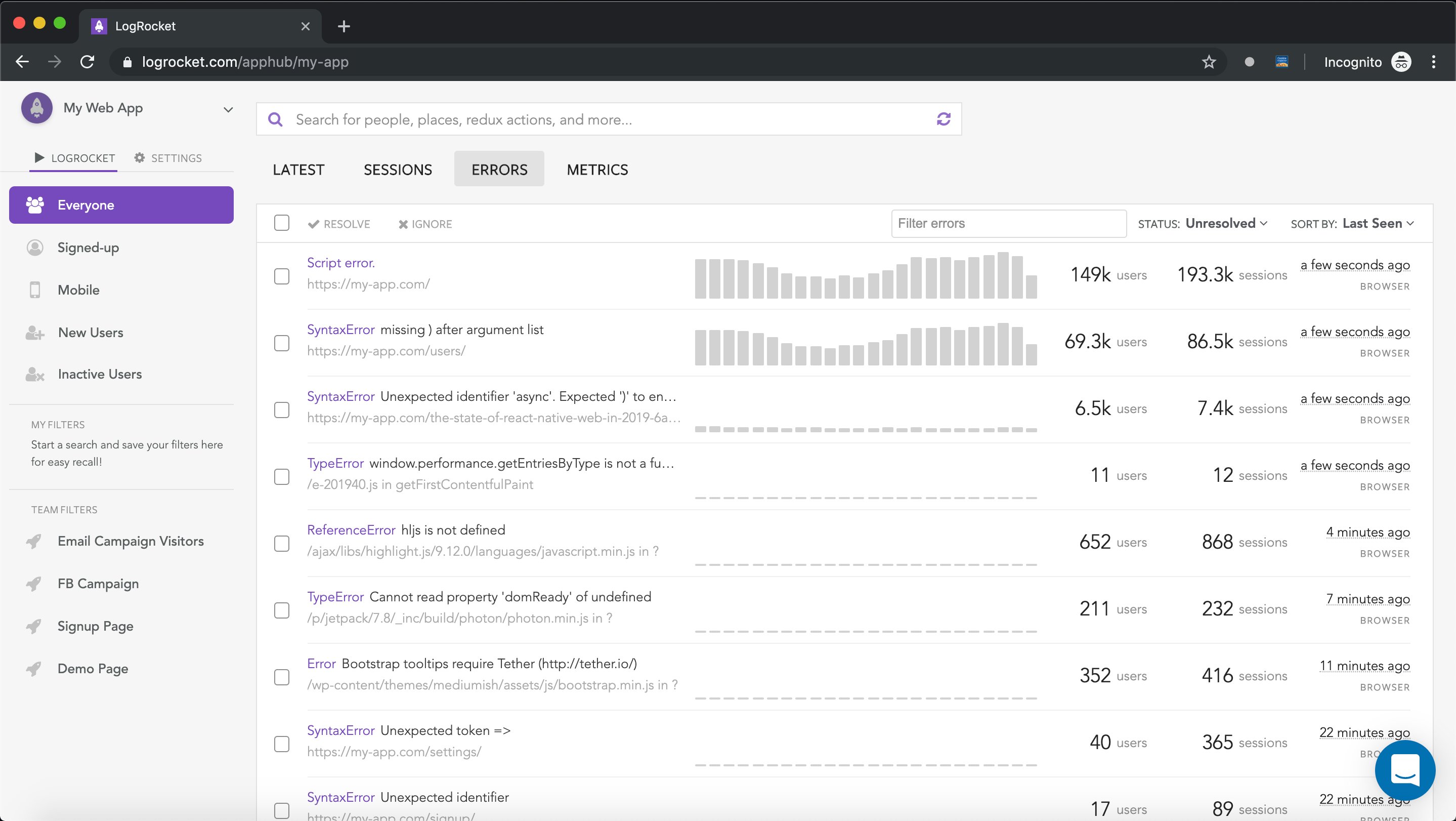
LogRocket works perfectly with any app, regardless of framework, and has plugins to log additional context from Redux, Vuex, and @ngrx/store. Instead of guessing why problems happen, you can aggregate and report on what state your application was in when an issue occurred. LogRocket also monitors your app’s performance, reporting metrics like client CPU load, client memory usage, and more.
Build confidently — start monitoring for free.
We tested five AI code review tools for speed, setup, security, and code quality to compare their strengths and help you choose the right tool.

Compare five React toast libraries for features, bundle size, accessibility, performance, and React 19 compatibility.
See how Tecovas built a patching agent that turns LogRocket’s Galileo AI issue analysis into GitHub PRs, with a developer reviewing every fix before it ships.

Explore OctaneJS, a compiler-first alternative to React. Build a task dashboard and learn about rendering, hooks, asynchronous UI, and React compatibility.
Hey there, want to help make our blog better?
Join LogRocket’s Content Advisory Board. You’ll help inform the type of content we create and get access to exclusive meetups, social accreditation, and swag.
Sign up now

 Learn more →